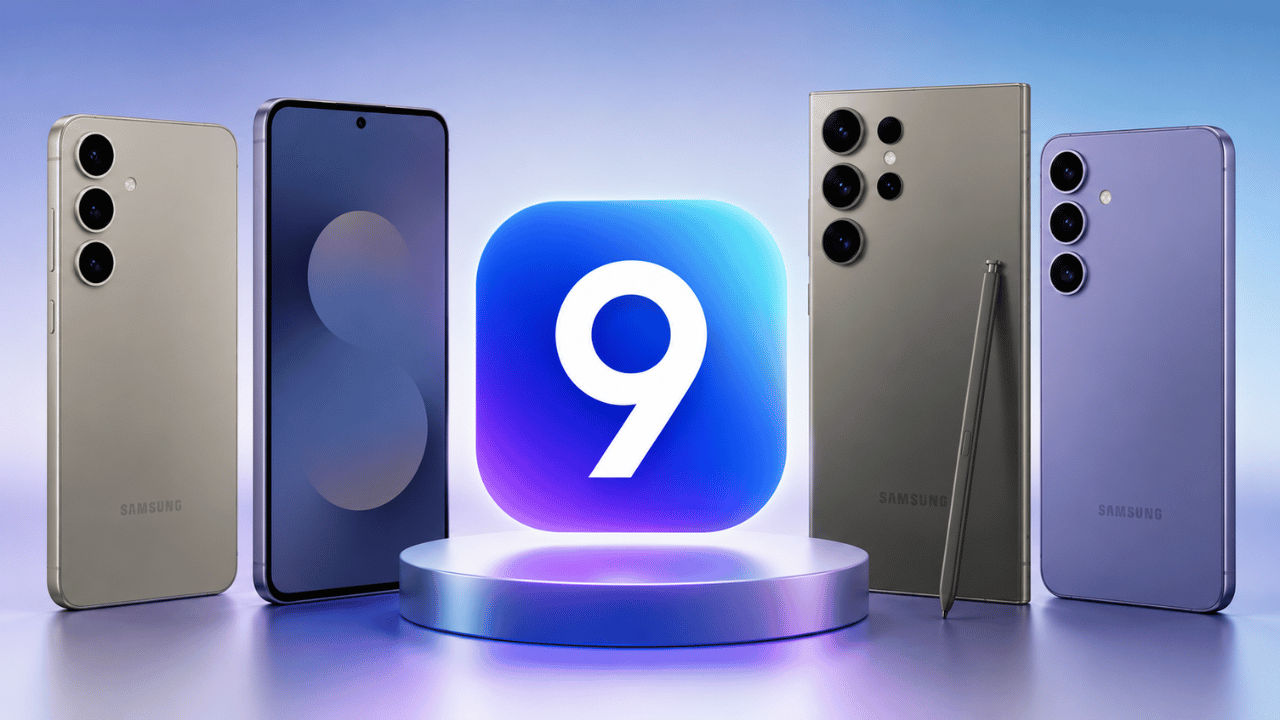
One UI 9: When will Galaxy S26, S25, S24 and S23 series get Android 17
Essential brief
Samsung has launched One UI 9, its latest software update based on Android 17, starting with the Galaxy Z Fold 8 and Z Flip 8. The update introduces a refreshed interface and AI-powered features, w
Key topics
Key facts
Highlights
Why it matters
The One UI 9 update brings significant interface improvements and AI-powered features that enhance user experience and productivity across Samsung Galaxy devices. Understanding the rollout timeline helps users plan for software upgrades and access new functionalities as they become available. This update reflects Samsung's ongoing commitment to integrating AI and modern design into its mobile ecosystem.
Samsung has officially introduced One UI 9, the next major software update built on Android 17. The rollout began with the Galaxy Z Fold 8 and Z Flip 8, which now come pre-installed with One UI 9. Many Galaxy users are eager to know when their devices will receive this update. For Galaxy S26 users, the update is already in beta testing, indicating a short wait. Galaxy S25 owners will need to wait longer, although testing is underway behind the scenes.
While Samsung has not provided official release dates for older Galaxy models, the expected timeline based on previous update patterns is as follows: the Galaxy S26 series should see a stable rollout between late August and September 2026; the Galaxy S25 series will receive beta updates starting August 2026, followed by a stable release; the Galaxy S24 series is expected to get the stable update in September 2026; and the Galaxy S23 series will likely receive the update by late 2026.
One UI 9 introduces a cleaner, more modern interface with borderless circular toggles in Quick Settings, thicker and resizable brightness and volume sliders, and a dynamic lock screen media player featuring animated soundwaves inspired by album artwork. The system intelligently adjusts lock screen wallpapers to prevent overlap with clocks and widgets.
Digital Wellbeing and Screen Time widgets now display clear circular charts and visual indicators for easier monitoring. The update also includes AI-driven productivity tools such as Now Nudge, which offers contextual suggestions like saving event locations directly to Maps. Samsung Internet integrates an Ask AI feature for web summaries and assistance.
Additional enhancements include the AI Assistant Activity Dashboard to track AI-driven actions, Samsung Notes’ new Tape Mode for interactive studying and memorization, and a desktop management dashboard in Samsung DeX for improved virtual workspace organization.
Key topics in this update include ui, will galaxy, and series.